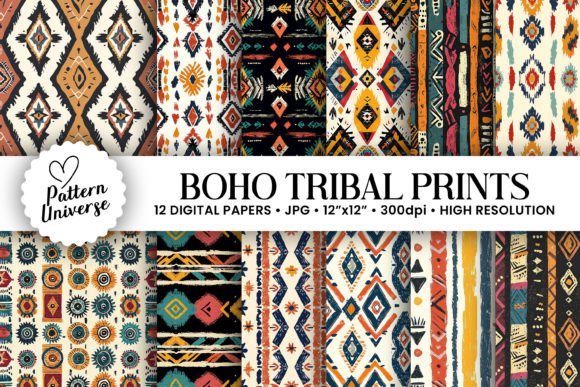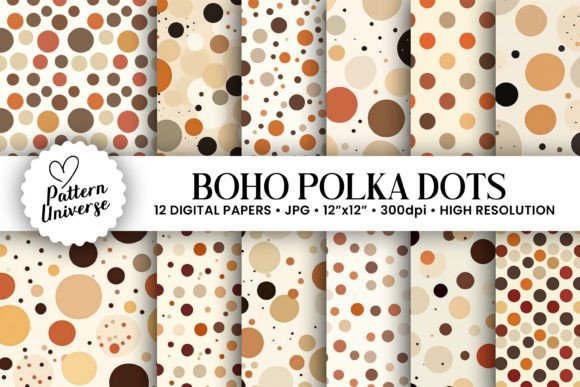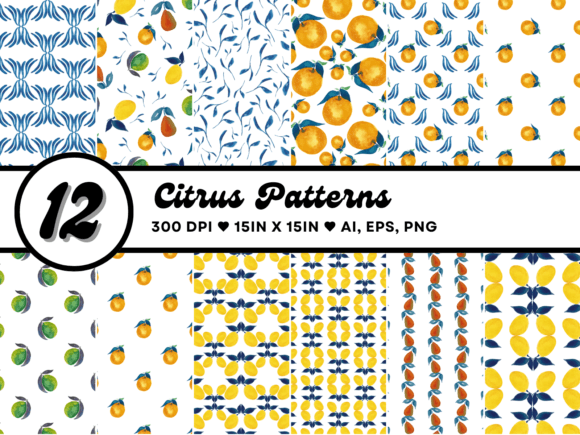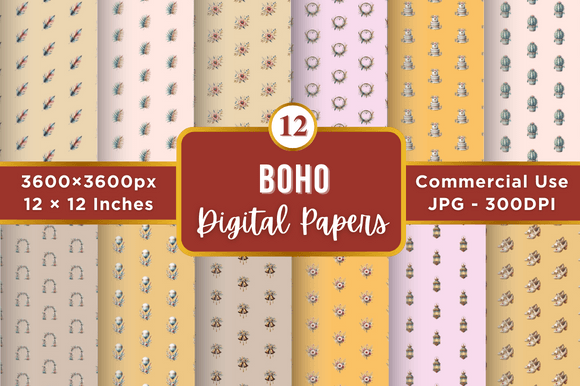
Nursery Boho Seamless Patterns
Creating a cohesive and calming environment for a child, or designing unique merchandise for a boutique brand, often hinges on the quality of the visual elements you choose. Nursery Boho Seamless Patterns have surged in popularity because they blend the organic, earthy tones of bohemian design with the soft, whimsical motifs needed for young spaces. However, simply downloading a bundle isn't enough to guarantee success. Many creators jump straight into production without understanding the technical nuances of seamless assets, leading to frustrating results that look pixelated or disjointed when scaled.
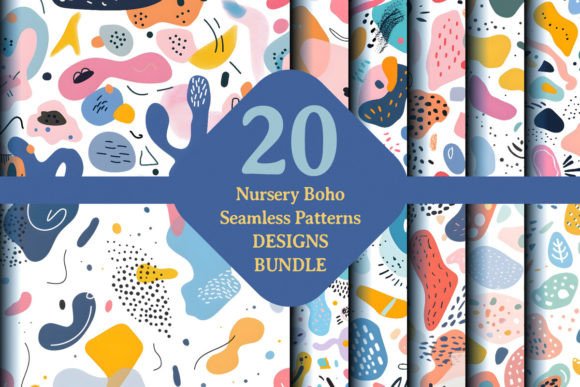
The 20 Design Bundle mentioned in recent releases offers a significant shortcut, but it is only as effective as the user's ability to integrate it correctly. Whether you are an entrepreneur launching a print-on-demand shop or a parent looking to create custom wall art, the difference between a professional finish and a amateurish attempt lies in preparation and attention to detail. This guide explores how to maximize the potential of these high-resolution JPG files while avoiding the common pitfalls that waste time and money.
Understanding the Value of High-Resolution Assets
One of the most critical factors in this collection is the resolution. The bundle features files primed at 300 DPI, which is the industry standard for high-quality printing. A common mistake beginners make is assuming that all digital images are created equal. If you were to stretch a low-resolution image to fit a large canvas or a t-shirt, the result would be blocky and blurry. By starting with these high-definition graphics, you ensure that your final product maintains its vibrancy and clarity, regardless of the output size.
When evaluating any graphic set, always check the file specifications before purchasing or downloading. Do not settle for web-only resolutions (72 DPI) if your goal involves physical printing. The "Nursery Boho" aesthetic relies heavily on fine details—delicate leaves, subtle textures, and gentle curves—which can easily disappear if the source file lacks sufficient pixel density. These 20 designs are specifically crafted to support this level of detail, ensuring that every leaf and line remains crisp.
Common Pitfalls in Using Seamless Patterns
Even with excellent source files, users often stumble over the mechanics of applying seamless patterns. The term "seamless" implies that the pattern repeats infinitely without visible breaks, but achieving this requires specific software techniques. A frequent error occurs when users try to apply these patterns directly onto a canvas without properly setting up the tile boundaries. If the edges do not align perfectly, the repetition becomes obvious, ruining the illusion of a continuous fabric or wallpaper.
To avoid this, ensure you are using software capable of handling seamless tiles, such as Adobe Photoshop, which is explicitly supported by this bundle. When placing the pattern, use the "Offset" filter to check for seams. If you see a vertical or horizontal line where the pattern cuts off, the asset may be flawed, or your application method is incorrect. With the right workflow, the path to customization should be as smooth as the patterns themselves.
Another oversight involves color management. Boho designs often utilize muted, earthy palettes like sage green, terracotta, and cream. When moving from screen to print, colors can shift significantly due to differences in color profiles (RGB vs. CMYK). Failing to adjust these settings beforehand can result in prints that look duller or darker than intended. Always preview your design in the target color space before sending it to a printer.
Selecting the Right Format for Your Needs
This bundle provides high-resolution JPG files, which are universally compatible and easy to edit. However, some users mistakenly believe that JPGs are the only option for professional work. While JPGs are excellent for quick editing and broad compatibility, they are lossy formats. For projects requiring extreme flexibility, such as changing background colors or isolating specific elements without artifacts, a PNG or vector format is often superior. That said, for the majority of print-on-demand applications and home decor projects, the provided JPGs are more than sufficient.
If you are planning to scale your designs across various mediums—from phone cases to nursery rugs—the consistency of the JPG format ensures you don't need to juggle multiple file types. Just remember to keep a backup of the original files. Editing a JPG repeatedly and saving it over and over again degrades the quality. Work on a copy to preserve the integrity of the source.
Maximizing Creativity Without Overcomplicating
The versatility of these illustrations makes them ideal for a wide range of applications, yet many users limit their scope too early. Don't restrict yourself to just baby clothes or nursery walls. The "boho" style is currently trending across home textiles, stationery, and even adult apparel. You can take a single motif from the Nursery Boho collection and recontextualize it for a tote bag, a journal cover, or a social media graphic.
- Check the aspect ratio: Ensure your design layout accommodates the repeating nature of the pattern. Some products require a specific orientation that might cut off key elements of the illustration.
- Test the scale: Before committing to a full run of products, order a single sample. What looks perfect on a monitor might appear too busy or too faint in real life depending on the material texture.
- Consider the audience: While the patterns are "nursery" themed, the neutral tones allow them to appeal to a broader demographic. Marketing them as "modern organic" rather than strictly "baby" can open up new sales channels.
Evaluating Editability and Workflow
The promise of "easy editability in Adobe Photoshop" is a major selling point, but it assumes a baseline level of proficiency. Users who are unfamiliar with layers, blending modes, or clipping masks may struggle to customize the designs effectively. Instead of trying to force complex edits, start with simple adjustments. Change the hue/saturation to match your brand colors, or overlay text to create personalized gifts. Sometimes, the best approach is to let the original artwork shine rather than over-editing it until it loses its charm.
If you find yourself struggling with the technical aspects, consider hiring a freelancer for the initial setup or using pre-made templates that incorporate these patterns. This saves time and ensures a professional result. Remember, the goal is to express creativity, not to get bogged down in technical troubleshooting.
Final Considerations Before You Start
Before you begin your next project, take a moment to review the contents of the 20 Design Bundle. Verify that all files are present and uncorrupted. Check the licensing terms to ensure you have the rights to use the images for commercial purposes if you plan to sell your creations. Misunderstanding usage rights is a costly mistake that can lead to legal issues or the removal of your products from marketplaces.
Ultimately, Nursery Boho Seamless Patterns offer a fantastic foundation for creative expression. They provide the avenue for your imagination to flourish, whether you are embellishing a personal space or delivering ingenious gifts. By respecting the technical requirements, avoiding common formatting errors, and focusing on the artistic potential of the designs, you can produce work that stands out. Enrich your design collection today, and let these fresh illustrations bring a touch of bohemian magic to your projects.